Overview
This is a quick post but one I spent a couple hours trying to get to the bottom of, after a deployment a perfectly working App Service was giving me a 500.30 error and I needed to get to the bottom of it.
Solution
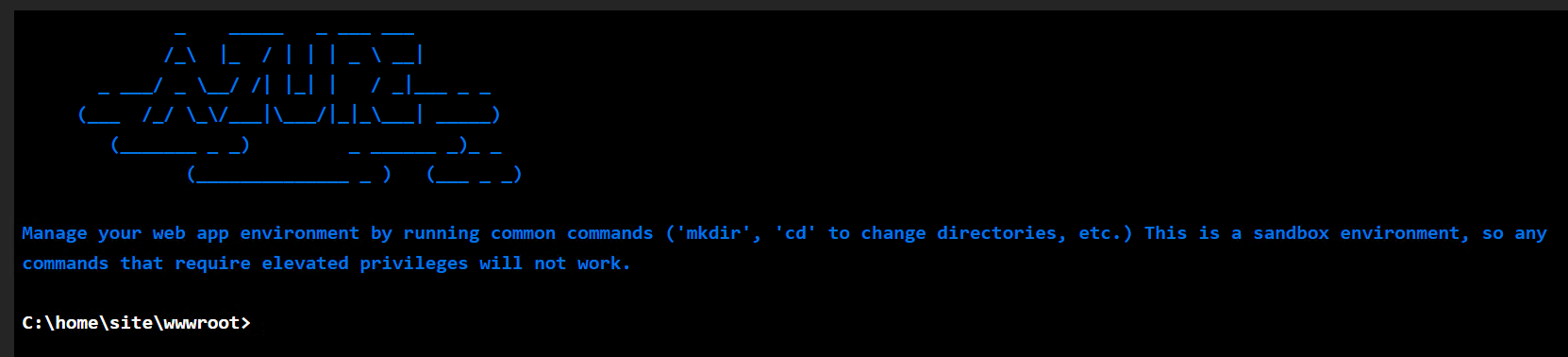
I knew it was a startup type of issue but I was struggling to pin it down in AppInsights, I am not going to take credit for how I worked this out, in the end it was really simple as running the application executable in the Console which is available under Development Tools -> Console within the App Service in Azure.
dotnet '[PROJECT NAME].dll'
Credit goes to the accepted answer in this awesome point in the right direction: getting 500.30 error after restart app service in azure