Overview
Whilst not driven from the usual client engagements, this was still an interesting little tidbit that may come in handy.
Scenario
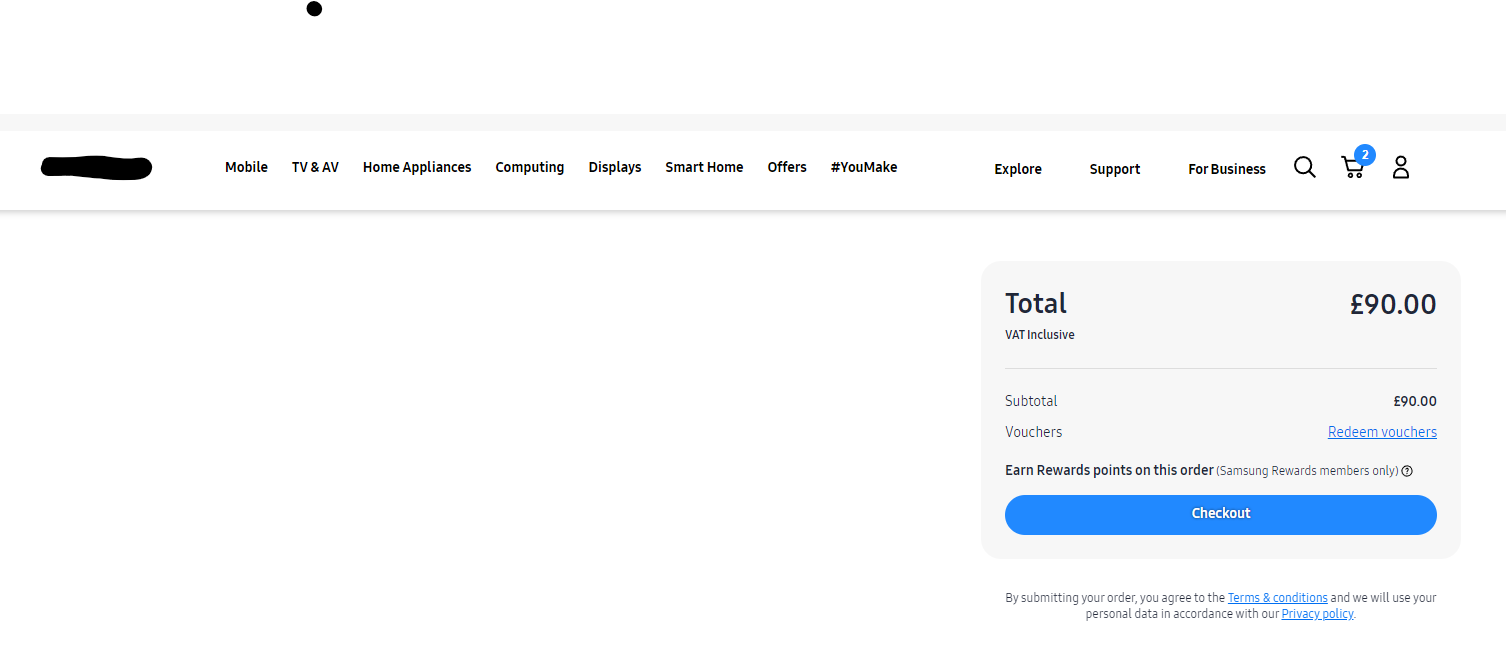
During a recent search for a smart watch, I ended up with a situation where there were some orphanded items in my basket which was associated with my online account so clearing the cache/using a different browser did not work.
After countless conversations with the retailer, I decided to try and take matters into my own hands, I added another one of the same items to my basket and then removed it with the developer tools open so I could track the request.
I tried calling the API with Postman but couldnt construct the Cookie in such a way that I did not get a 401.
Victory
In the end, a simple fetch within the dev tools did the trick:
fetch(
  "https://[RETAILER-API]/tokocommercewebservices/v2/uk/users/current/carts/[MY-BASKET-ID]/entries/0?lang=en_GB&curr=GBP",
  {
    credentials: 'include',
    method: 'DELETE',
    headers:
    {
      accept: 'application/json',
      authorization: 'JWT'
    }
  }
)
After much annoyance, the request was a success and I had finally cleared out my basket:

Summary
The only real purpose of this article is the "credentials: 'include'", it makes it really easy to be able to call an API with cookies that are already available in your current browser session.